Write on iPhone.
Add your opening line, a useful name or that one number. Keep each note easy to scan.
MY OPENING LINE“Let’s start with what changed.”
 PeekHidden Notes on Watch
A little backup. Right on your wrist.
The name. The number. Your next line.
Keep what matters on Apple Watch, ready for the moment you need it.
Free download · Optional Peek Notes Plus
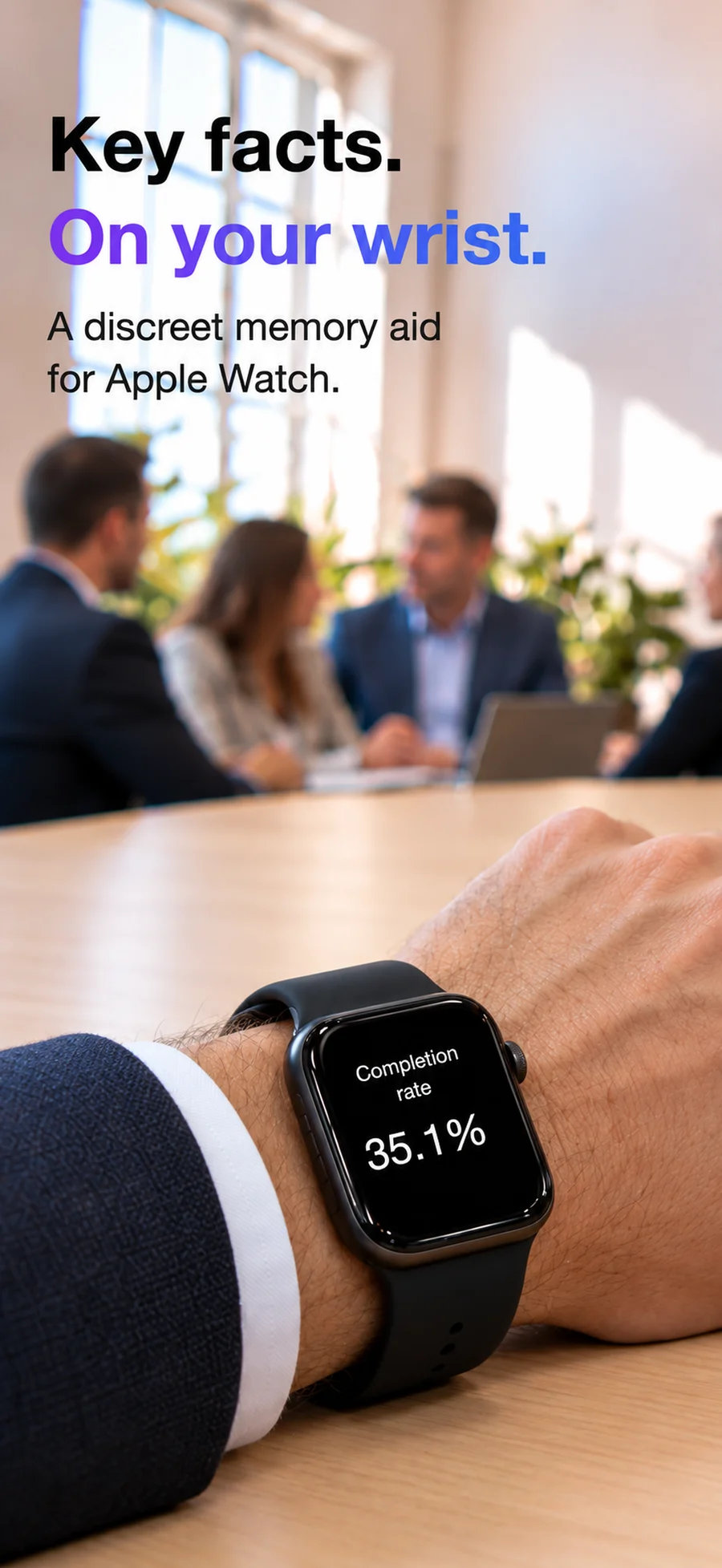
For the moments your mind goes blank
Your next presentationA few prompts to keep your story moving.
Names, dates & figuresThe small details you want to get right.
Everyday remindersA little reassurance, without a sheet of paper.
From a thought to a glance
Short notes. Simple gestures. Your phone can stay in your pocket once your notes arrive.
Add your opening line, a useful name or that one number. Keep each note easy to scan.
Tap Send to watch whenever you make changes. A tap on your wrist lets you know they’ve arrived.
Double-tap the watch screen to prepare a note. Tilt forward to show it; level your wrist to hide it.
A glance, illustrated
Long-press on your watch to move to the next note. After your last note, you’re back at the beginning.
Try the illustration →
Interactive illustration. On your watch, use the screen and wrist gestures.
Illustration: note 1 of 3, hidden.
Find your rhythm
Start the watch timer and turn on optional pacing taps. Gentle haptics help you notice the time passing while you stay focused on your words.
Yours to remember
From iPhone to your paired Apple Watch. No Peek account or sign-up. The app’s App Store privacy disclosure states that no data is collected.
Read the privacy policy ↗A little more room
Start with the free app. Unlock more when you need it.
Subscription and lifetime purchase options. Check the app or App Store for current availability, regional prices and purchase terms.
Good to know
Write your notes on iPhone and tap Send to watch. In the watch app, double-tap the screen to prepare a note, then tilt your wrist forward to read it. Level your wrist to hide it again. Long-press the screen to move to the next note.
Yes. The note-to-watch workflow requires an iPhone with a paired Apple Watch and Peek installed on both. The App Store lists iOS 18 or later and watchOS 11 or later.
Yes. Add short prompts such as your opening line, a name or a key figure. Send them before your talk, then glance at the note you need. The watch timer and optional pacing taps can help you keep track of time.
Notes stay hidden until you prepare one and tilt your wrist. Level your wrist or double-tap to hide it again. A visible note also hides automatically after 60 seconds.
Plus adds unlimited notes and note length, adjustable tilt and shake sensitivity, an optional shake-to-close exit, and Watch memory to keep notes and your position between launches. Current plans and regional prices are shown in the app and App Store.
No. You do not need a Peek account. Notes transfer from your iPhone to your paired Apple Watch. The developer’s App Store privacy disclosure states that the app does not collect data.
Check that the watch is paired and the Peek watch app is installed. Open Peek on your watch, then tap Send to watch again on iPhone. Contact support if you still need help.
Peek: Hidden Notes on Watch
For iPhone and paired Apple Watch · iOS 18+ · watchOS 11+
Made by Kevin. Here if you need a hand. →