 CO2 on Watch & Lockscreen
Your CO₂ readings.
A glance away.
From your sensor to your Apple Watch and iPhone Lock Screen. See the latest CO₂ reading, follow recent changes and set alerts that fit your day.
Download on the App StoreFree to connect and try · Premium features with CO2⁺
For Aranet4, Airvalent & Inkbird IAM-T1
Bring your sensor
Three sensors. One familiar glance.
- Aranet4
- Airvalent
- Inkbird IAM-T1
A compatible physical CO₂ sensor is required. This is an independent companion app for Apple Watch integration and Lock Screen visibility; use the manufacturer’s official app for its original device features.
Less searching. More seeing.
CO₂ where you already look.
A glance at your wrist
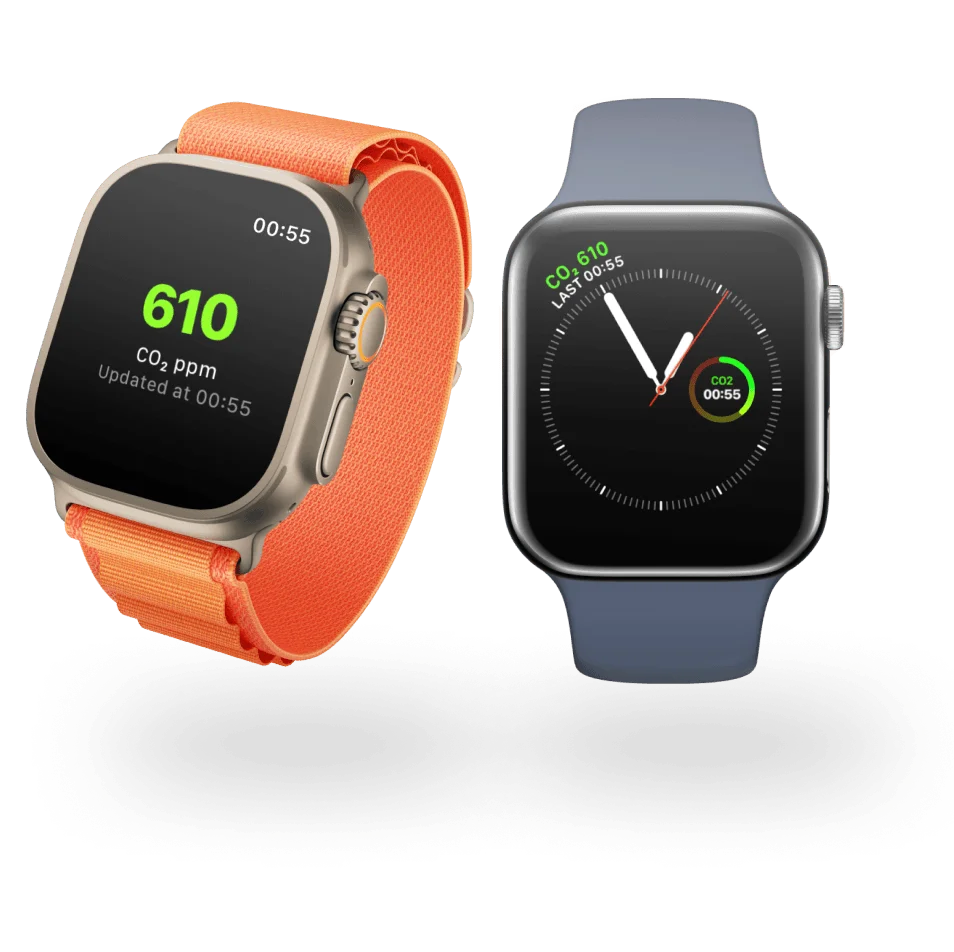
Put CO2 on your watch face with Apple Watch complications. See the latest reading without opening your iPhone, or use the three-hour history graph to follow recent changes.
Multiple complication styles, including a three-hour history graph.
Right on your Lock Screen
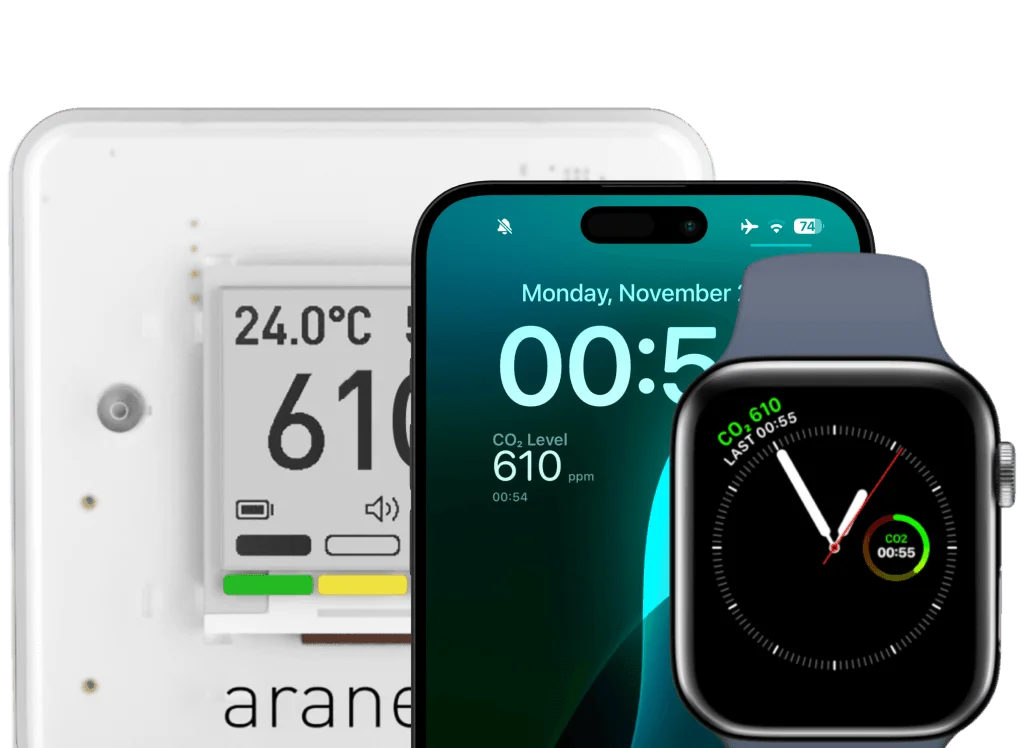
Keep a CO2 widget on your iPhone Lock Screen. Check the reading and its last update time together, so you know how recent the information is.
Live Activities
Use a Live Activity to keep an active monitoring session visible on your iPhone. Background widgets and complications refresh separately, according to the time iOS and watchOS allow.
Alerts that fit your day
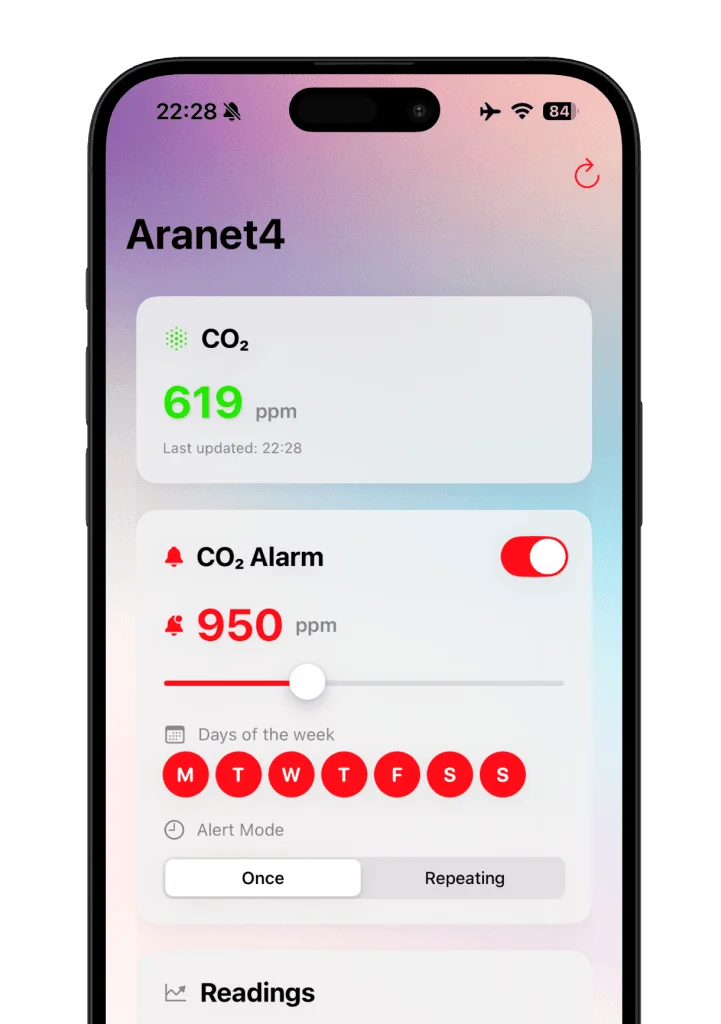
Choose a CO2 threshold and get notified when it is exceeded. Use once or repeat mode, snooze an alert, or schedule notifications for specific days with CO2⁺.
- Once or repeat alerts
- Custom thresholds with CO2⁺
- Snooze and scheduled days
Get started
From sensor to wrist.
Connect your sensor
Download the iPhone app, enable Bluetooth and connect your compatible CO₂ sensor.
Choose your glance
Add a complication to your Apple Watch face or a widget to your iPhone Lock Screen with CO2⁺.
Make it yours
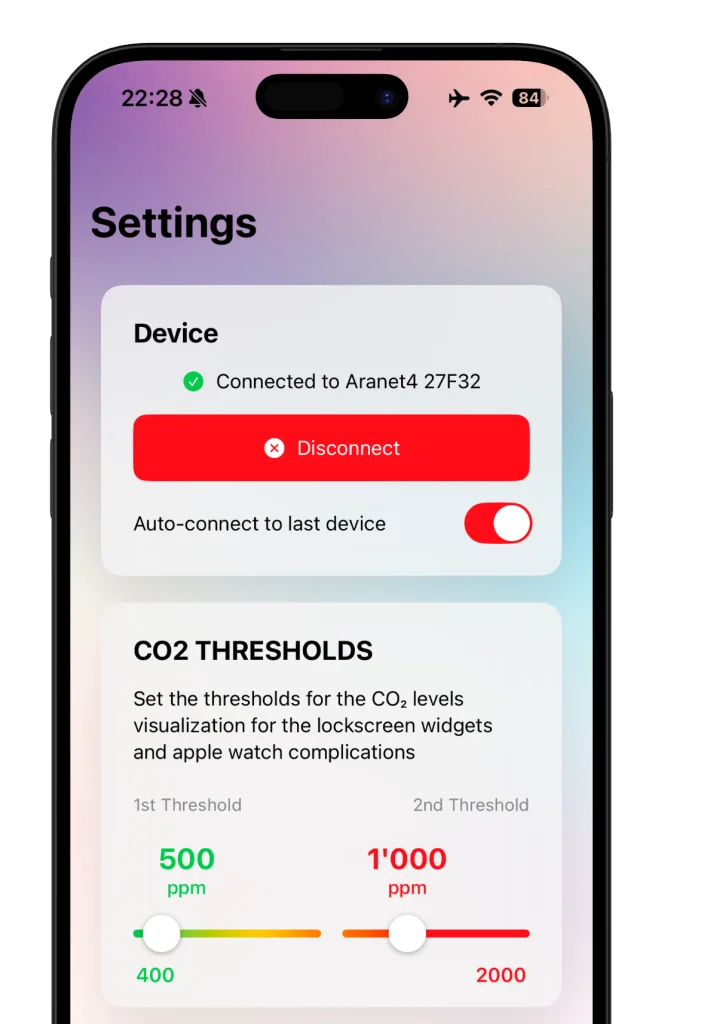
Set your preferred alert threshold and schedule. Check the timestamp whenever you check a reading.
Good to know
CO₂ monitoring, explained.
Which CO2 sensors work with the app?
CO2 on Watch & Lockscreen supports Aranet4, Airvalent and Inkbird IAM-T1 devices. A compatible physical sensor is required; your iPhone and Apple Watch do not measure CO2 by themselves. This is an independent companion app. Use the manufacturer’s official app for its original device features.
Can I see Aranet4 CO2 readings on Apple Watch?
Yes. Connect your compatible sensor in the iPhone app, then add a CO2 complication to a supported Apple Watch face. Complications show the latest available reading; some styles also show recent history. Check the last update time before relying on a reading.
Does it support iPhone Lock Screen widgets?
Yes. The app offers iPhone Lock Screen widgets so you can see the latest CO2 reading without opening the app. Widgets and Apple Watch complications are included in CO2⁺ premium features.
Why do background readings sometimes update slowly?
iOS and watchOS control when apps, widgets and complications can refresh in the background. Updates are not guaranteed at a fixed interval and should not be treated as continuous real-time monitoring. Open the app to sync, keep Bluetooth enabled and keep the sensor within range. Always check the displayed last update time.
What does CO2⁺ include?
CO2⁺ premium includes Apple Watch complications, Lock Screen widgets, custom CO2 alert thresholds, scheduled alerts and advanced alert modes. The app is free to test and connect to your sensor. See the App Store and the app’s purchase screen for current plans, prices and availability.
How do the CO2 alerts work?
Choose a threshold for notifications. Once mode alerts you when it is exceeded; repeat mode continues alerting while readings remain above the threshold. Snooze options and day-specific schedules help you control when alerts arrive. Alerts depend on the readings and background updates available to the app.
What can I do if my sensor does not connect?
Enable Bluetooth, bring your iPhone close to the sensor and check the sensor’s battery. Open the app and reconnect to the device. If the connection still fails, restart the app and try again. Contact Tech Care support if you need help.
What do the CO2 colours mean?
Colours help you compare readings with the app’s configured thresholds. The previous default example used green below 800 ppm, yellow from 800 to 1200 ppm and red above 1200 ppm; thresholds can be customised with CO2⁺. They are display settings, not a guarantee of safe air. A CO2 sensor does not measure every indoor pollutant.
Keep CO₂ in sight.
Your sensor. Your watch. Your Lock Screen.
Get CO2 on WatchFree to connect and try. In-app purchases for premium features.
Need a hand? Contact support →App details: official App Store listing · Plain-text version · Privacy policy